Templates

App Store screenshot templates

Start from a designed set instead of a blank canvas. Every template is a complete screenshot sequence — captions, backgrounds, frames — built around a fictional demo app. Open one, drop in your captures, and export every App Store and Google Play size.

7 of 7 templates

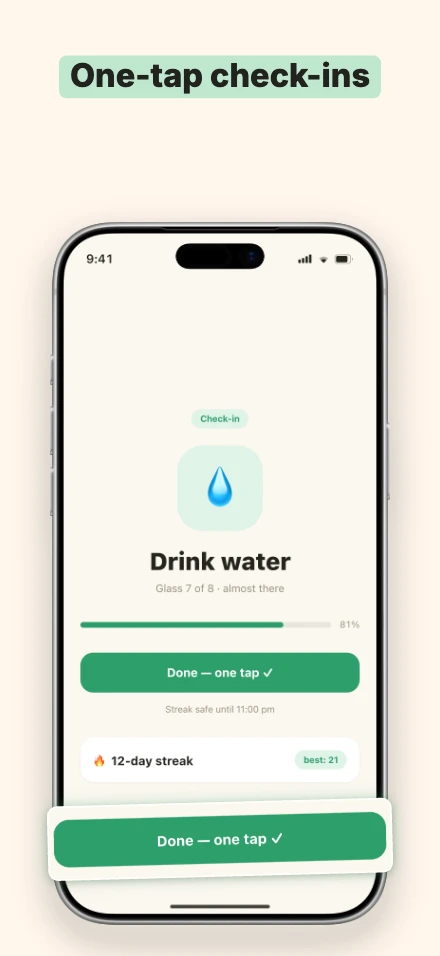
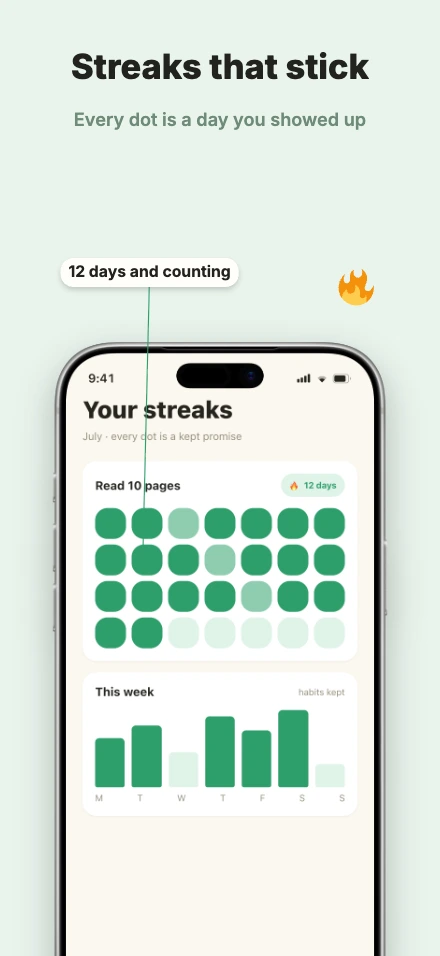
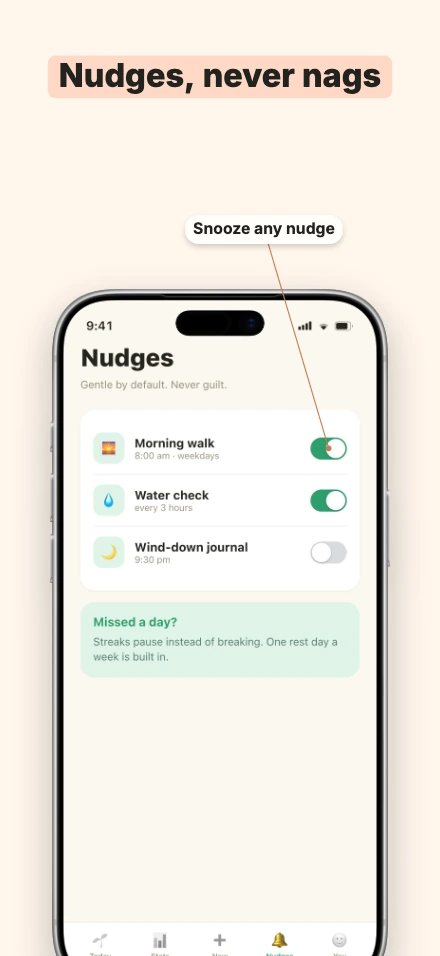
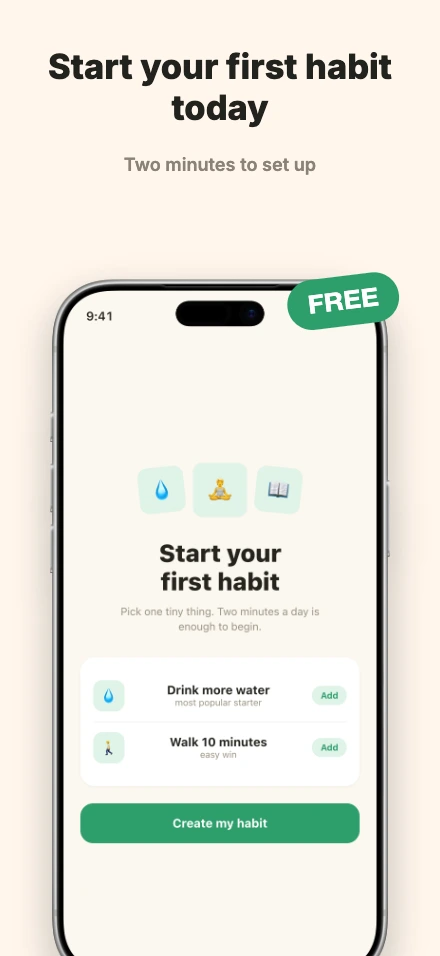
Sprout

Zoom callouts and pointed labels over warm cream.

5 screens · iPhone 17 Pro Max · Health & Fitness · Lifestyle · Productivity
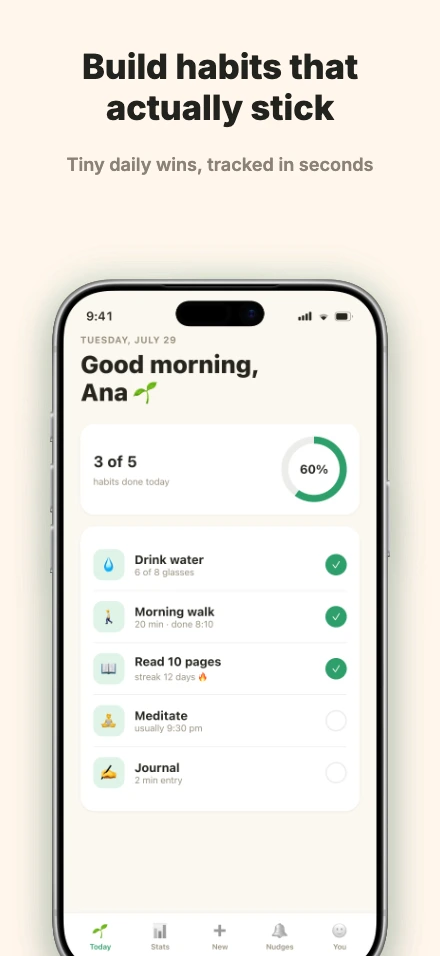
Sprout app screenshot template, screen 1 of 5 — Sprout — a habit trackerSprout app screenshot template, screen 2 of 5 — Sprout — a habit trackerSprout app screenshot template, screen 3 of 5 — Sprout — a habit trackerSprout app screenshot template, screen 4 of 5 — Sprout — a habit trackerSprout app screenshot template, screen 5 of 5 — Sprout — a habit tracker

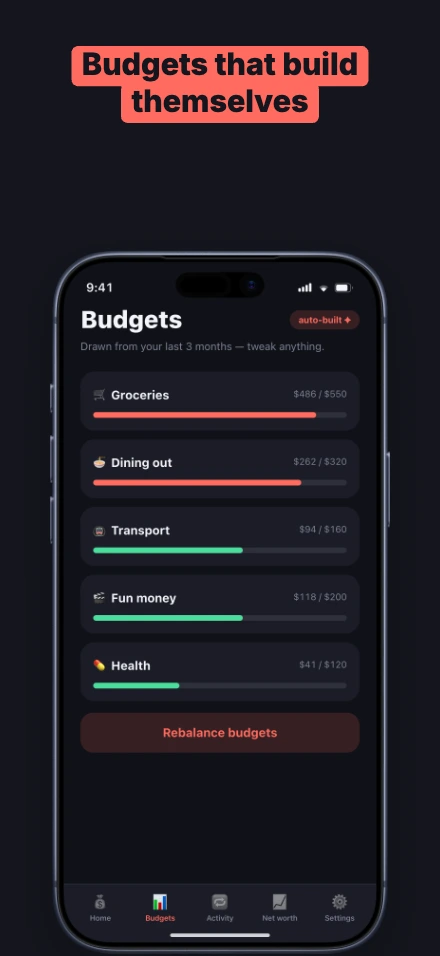
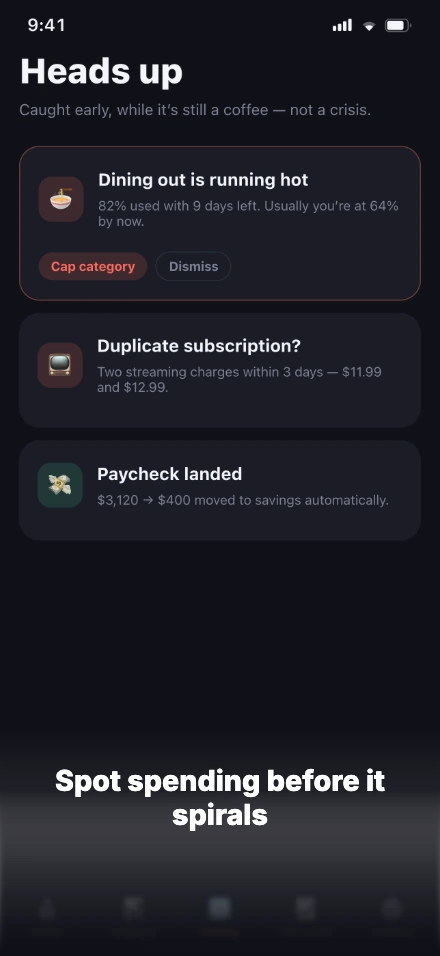
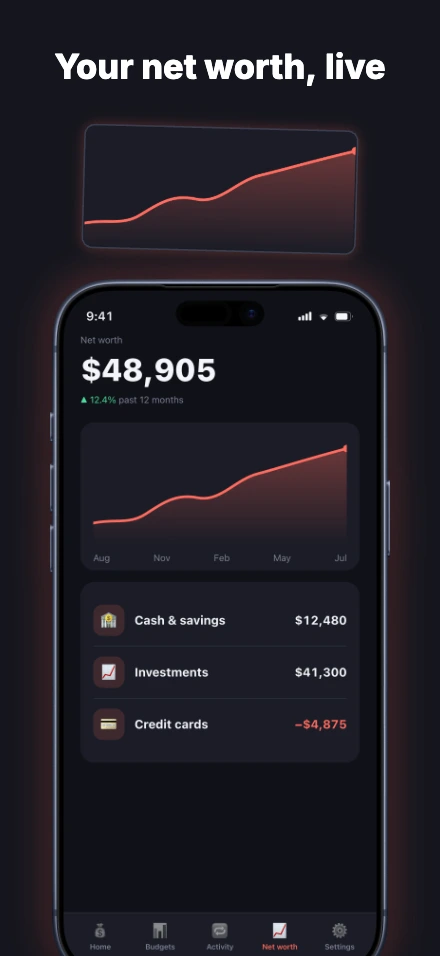
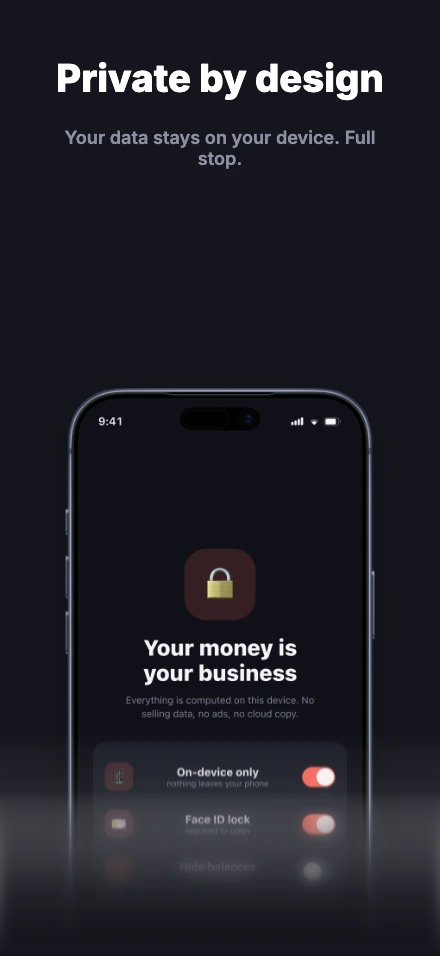
Ledger

Magnified numbers, coral glow, ink that swallows the frame.

5 screens · iPhone 17 Pro Max · Finance · Utilities · Productivity
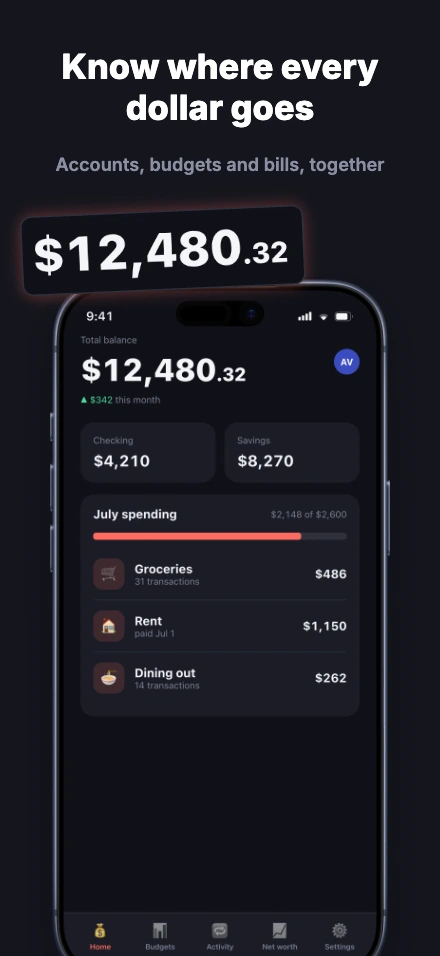
Ledger app screenshot template, screen 1 of 5 — Ledger — a personal finance appLedger app screenshot template, screen 2 of 5 — Ledger — a personal finance appLedger app screenshot template, screen 3 of 5 — Ledger — a personal finance appLedger app screenshot template, screen 4 of 5 — Ledger — a personal finance appLedger app screenshot template, screen 5 of 5 — Ledger — a personal finance app

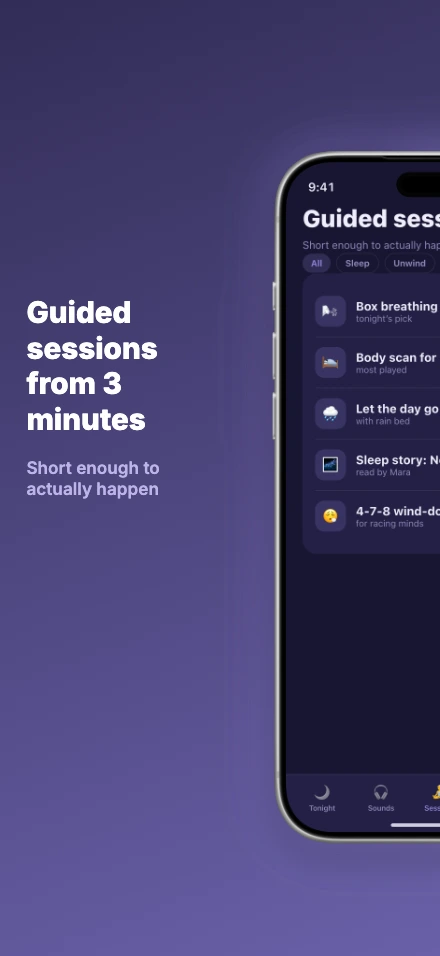
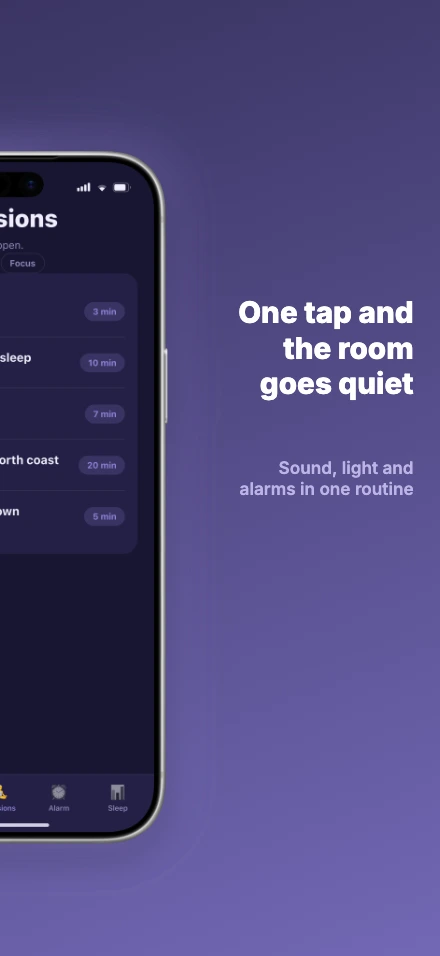
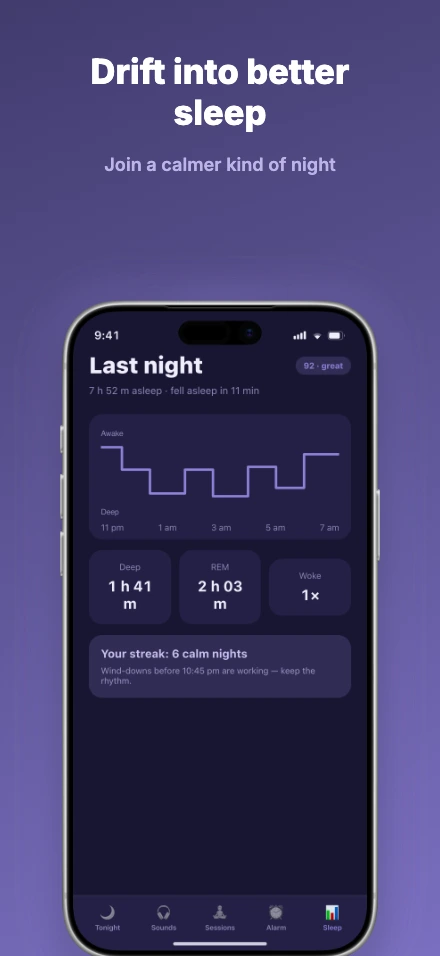
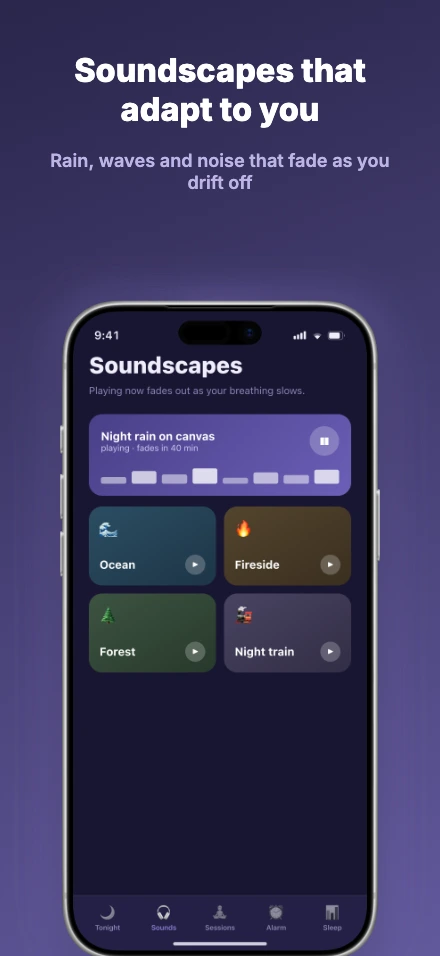
Drift

A panorama plus one phone split across two screenshots.

5 screens · iPhone 17 Pro Max · Health & Fitness · Lifestyle
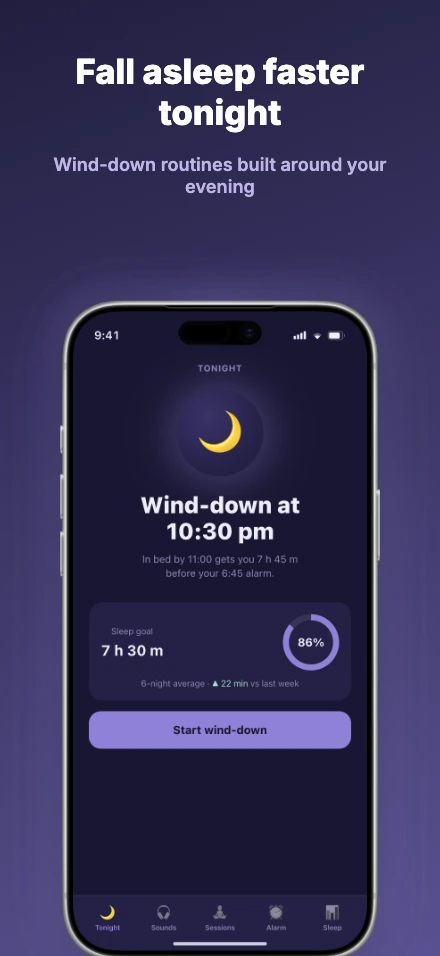
Drift app screenshot template, screen 1 of 5 — Drift — a sleep & meditation appDrift app screenshot template, screen 2 of 5 — Drift — a sleep & meditation appDrift app screenshot template, screen 3 of 5 — Drift — a sleep & meditation appDrift app screenshot template, screen 4 of 5 — Drift — a sleep & meditation appDrift app screenshot template, screen 5 of 5 — Drift — a sleep & meditation app

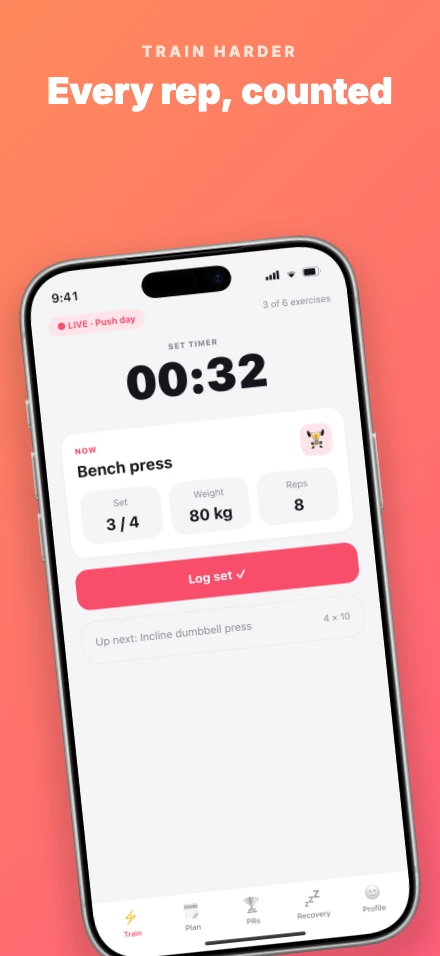
Dash

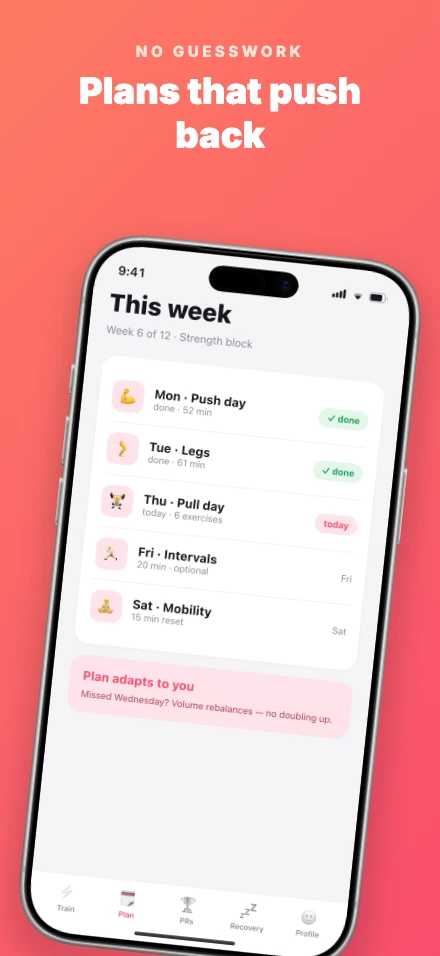
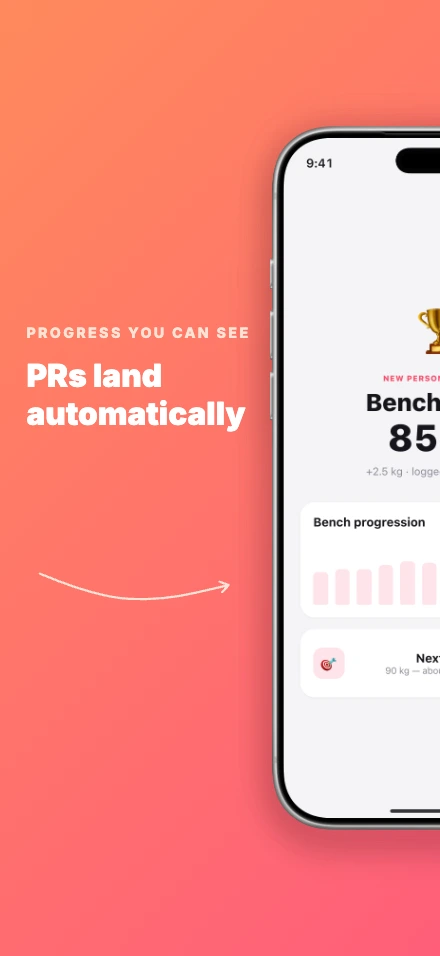
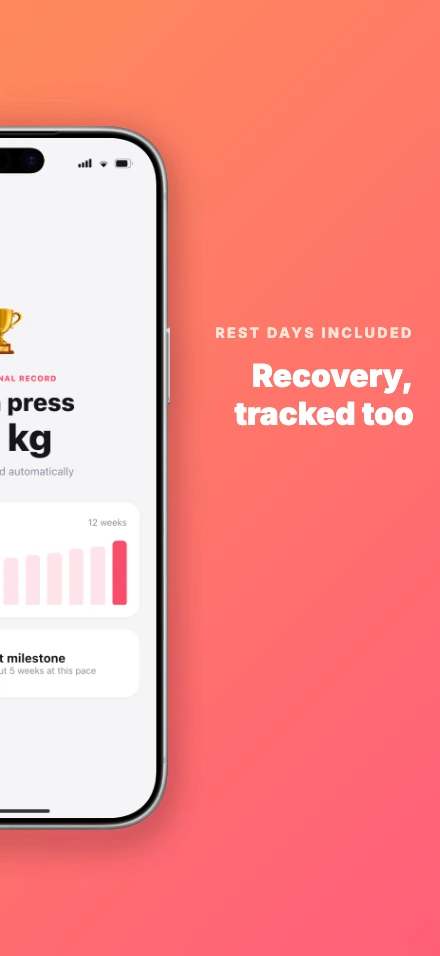
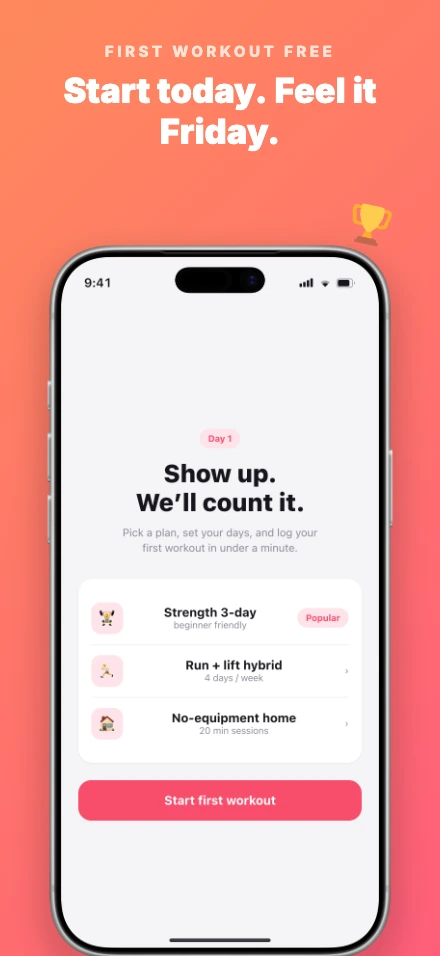
Coral gradients, leaning devices, one phone across two frames.

5 screens · iPhone 17 Pro Max · Health & Fitness · Lifestyle
Dash app screenshot template, screen 1 of 5 — Dash — a workout trackerDash app screenshot template, screen 2 of 5 — Dash — a workout trackerDash app screenshot template, screen 3 of 5 — Dash — a workout trackerDash app screenshot template, screen 4 of 5 — Dash — a workout trackerDash app screenshot template, screen 5 of 5 — Dash — a workout tracker

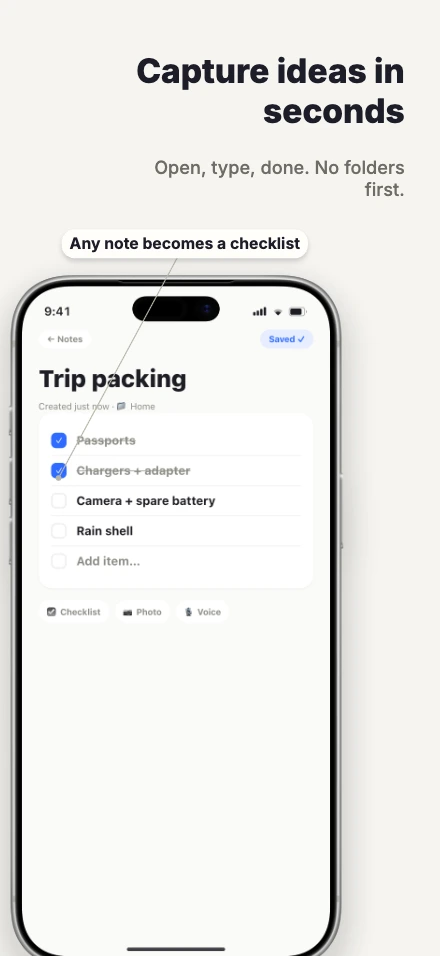
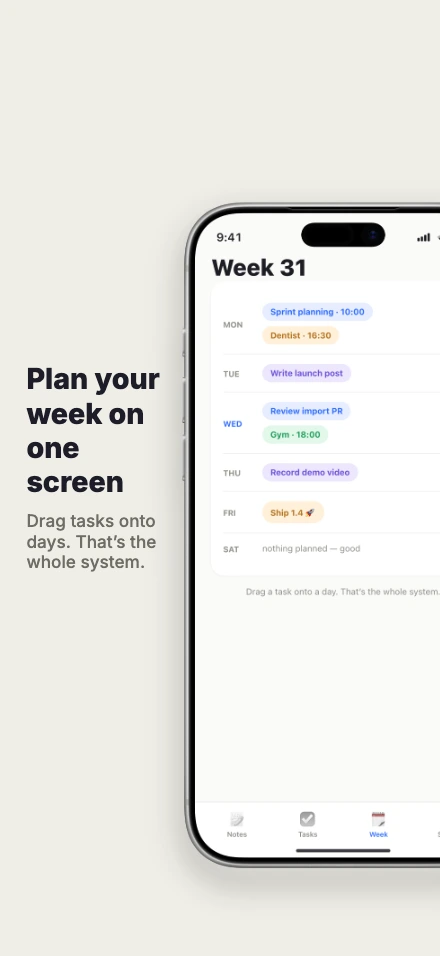
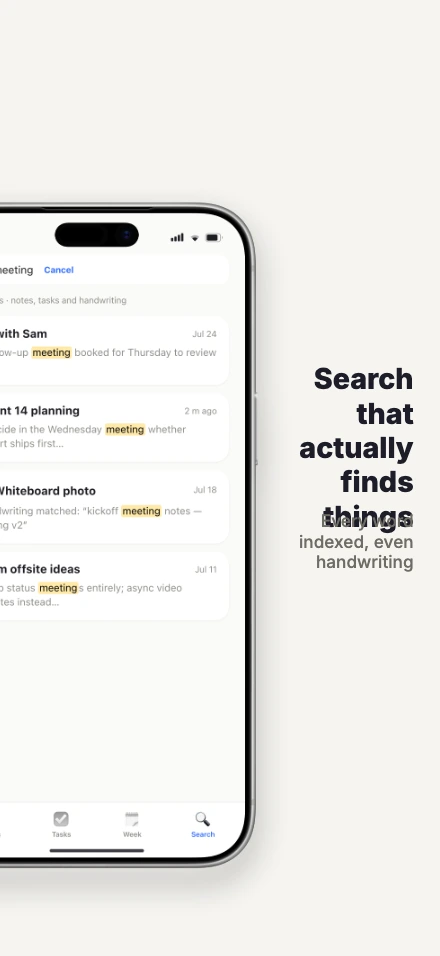
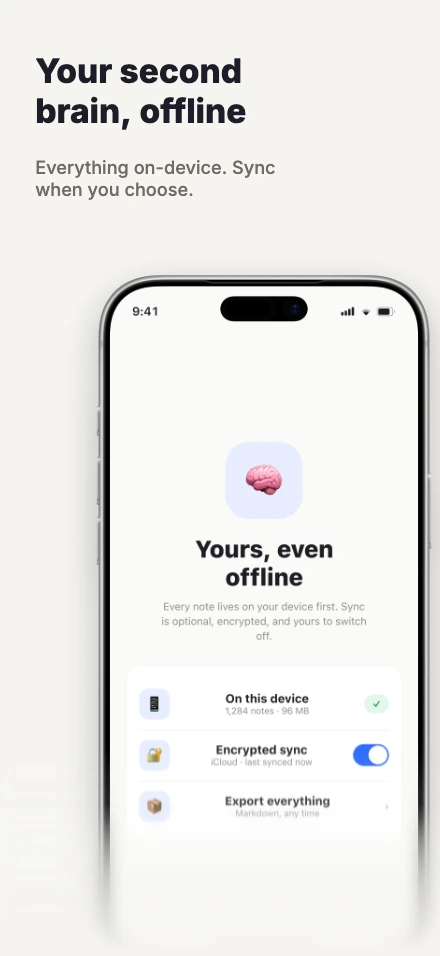
Slate

Paper white, edge-cropped devices, labels that whisper.

5 screens · iPhone 17 Pro Max · Productivity · Utilities
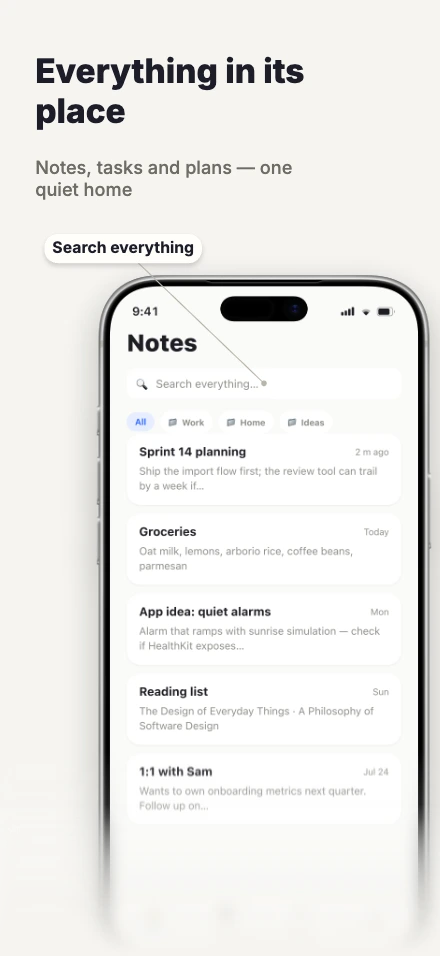
Slate app screenshot template, screen 1 of 5 — Slate — a notes & tasks appSlate app screenshot template, screen 2 of 5 — Slate — a notes & tasks appSlate app screenshot template, screen 3 of 5 — Slate — a notes & tasks appSlate app screenshot template, screen 4 of 5 — Slate — a notes & tasks appSlate app screenshot template, screen 5 of 5 — Slate — a notes & tasks app

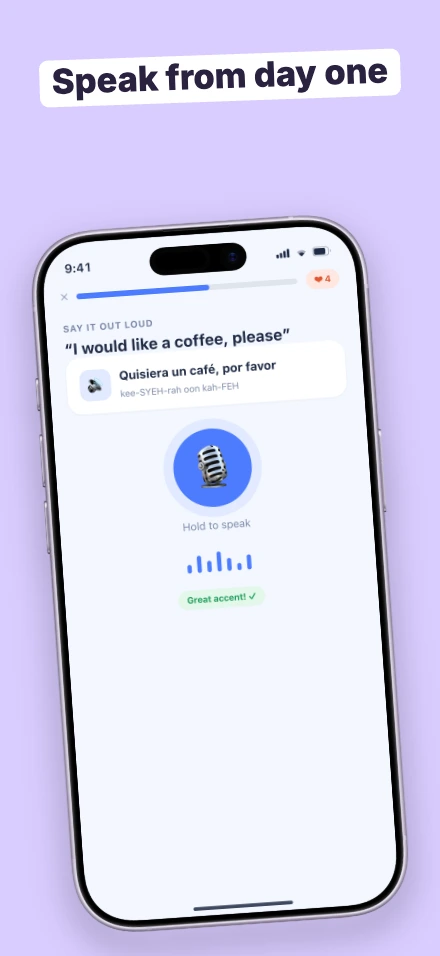
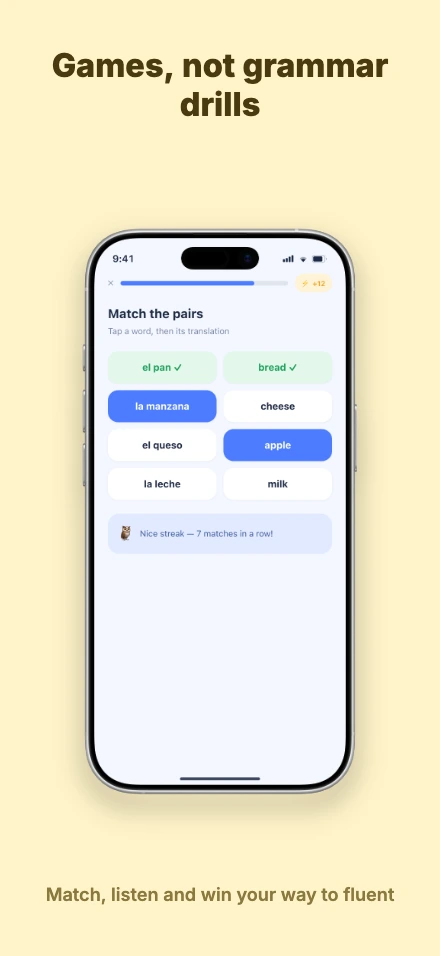
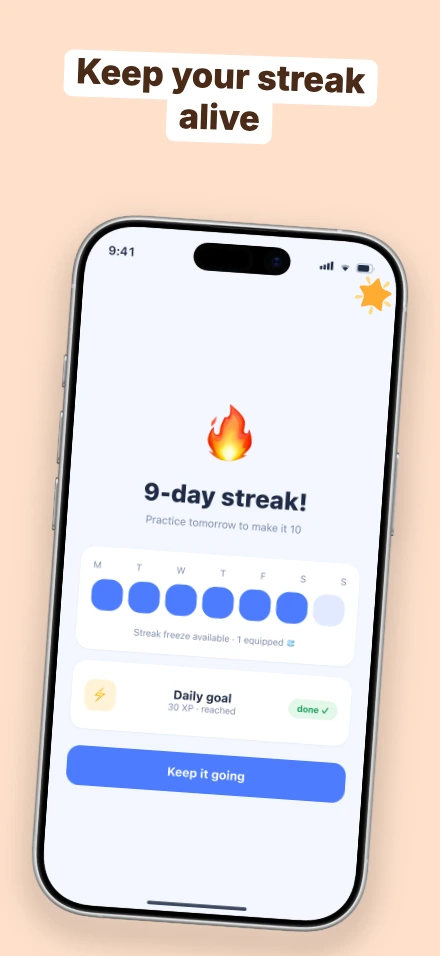
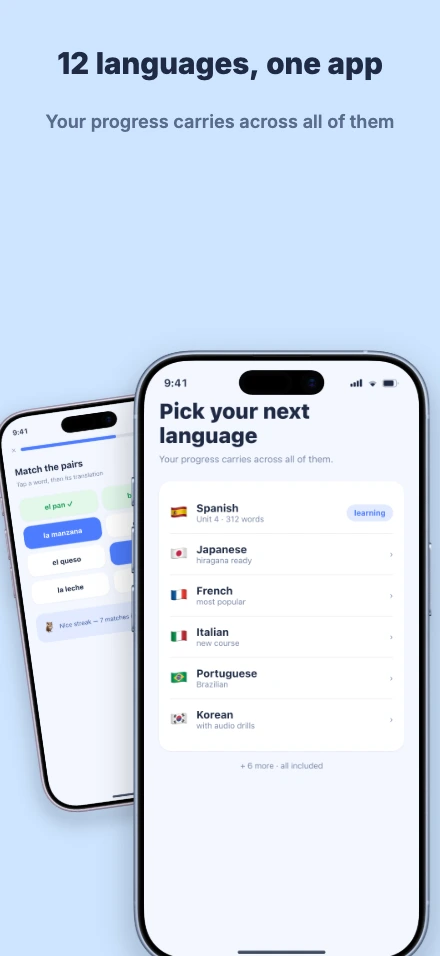
Lingo

Hue-shifting pastels, tilted stickers, two phones in one frame.

5 screens · iPhone 17 · Education · Games · Lifestyle
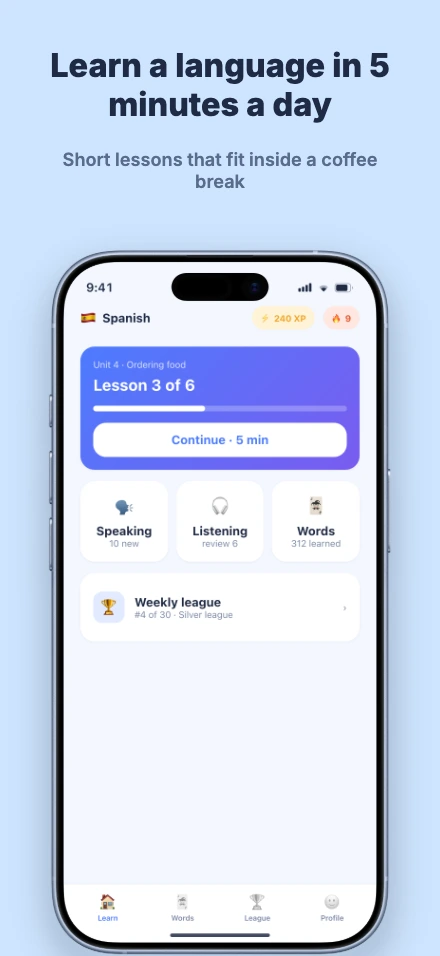
Lingo app screenshot template, screen 1 of 5 — Lingo — a language-learning appLingo app screenshot template, screen 2 of 5 — Lingo — a language-learning appLingo app screenshot template, screen 3 of 5 — Lingo — a language-learning appLingo app screenshot template, screen 4 of 5 — Lingo — a language-learning appLingo app screenshot template, screen 5 of 5 — Lingo — a language-learning app

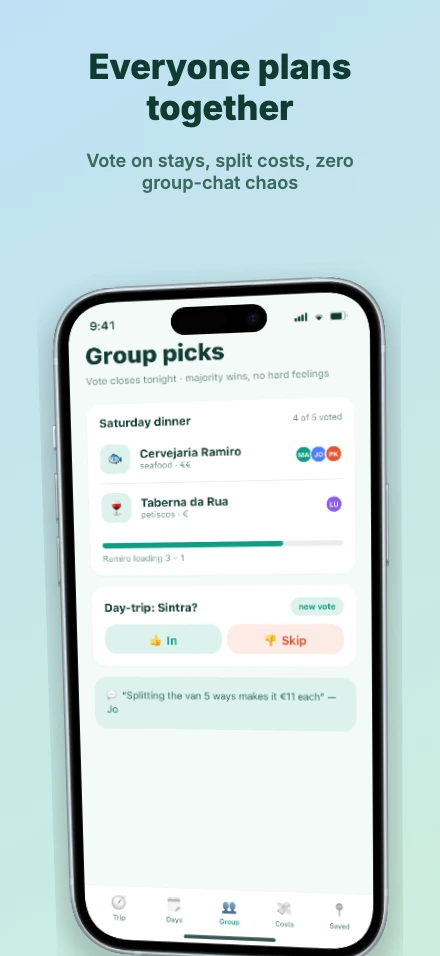
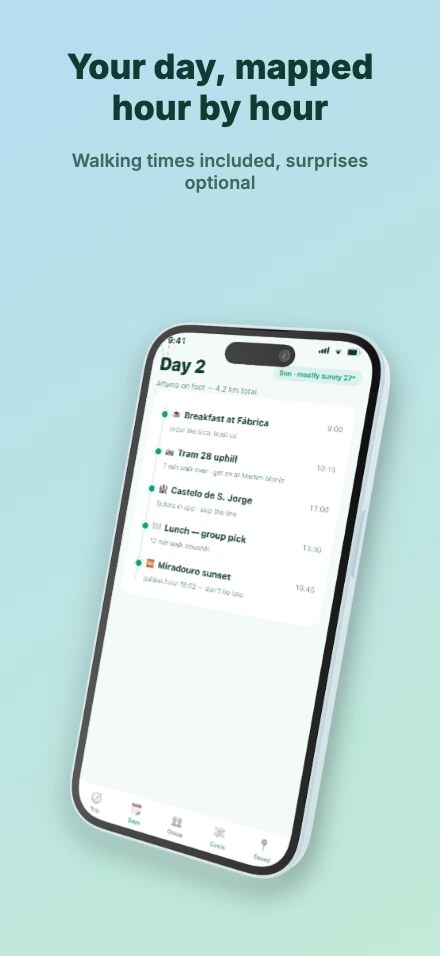
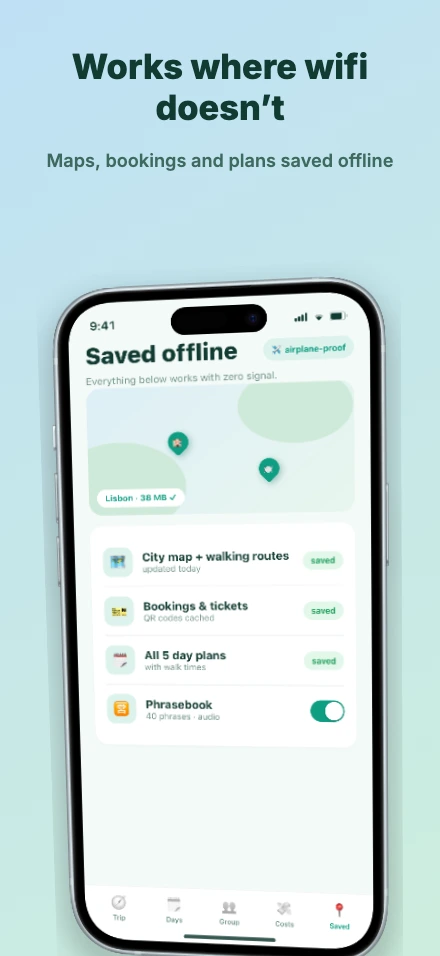
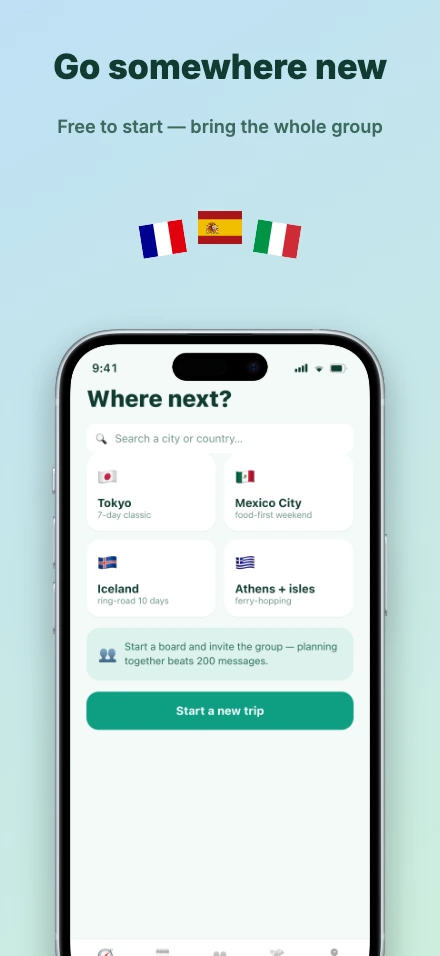
Roam

Sky-to-mint gradients around a true 3D quarter-turn.

5 screens · iPhone 15 · Travel · Lifestyle · Social
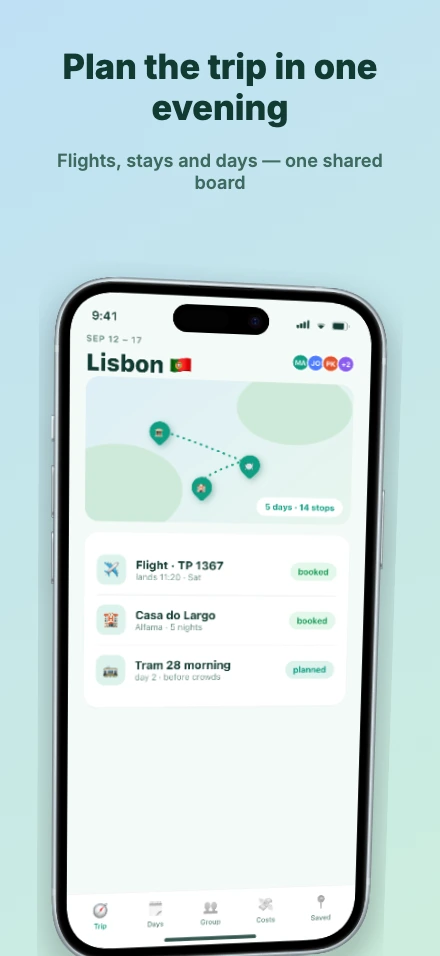
Roam app screenshot template, screen 1 of 5 — Roam — a trip plannerRoam app screenshot template, screen 2 of 5 — Roam — a trip plannerRoam app screenshot template, screen 3 of 5 — Roam — a trip plannerRoam app screenshot template, screen 4 of 5 — Roam — a trip plannerRoam app screenshot template, screen 5 of 5 — Roam — a trip planner

Frequently asked questions

What are app store screenshot templates?
Ready-made screenshot set designs — captions, backgrounds, device frames and layout — built around a demo app. You start from the finished design, replace the demo screens with your own captures, adjust the copy and colors, and export store-ready sizes for the App Store and Google Play.
Are the templates free?
Yes. Every template is free to open and edit in the browser with no account. QuickScreens charges once — $25 — only when you export, same as designs you build from scratch.
Can I change the captions, colors and device frames?
Everything in a template is a normal editable design: captions, fonts, backgrounds, device frames, layout and effects. A template is a starting point, not a locked theme.
Do templates work for both the App Store and Google Play?
Yes. Templates open in the same editor as any QuickScreens project, so you can export every iOS size App Store Connect asks for and every Android size Google Play asks for from the one design.
Whose app screenshots are in the previews?
Nobody’s. The screens inside the frames are fictional demo apps designed for these templates, so nothing you start from carries someone else’s branding.

Prefer to start from your own captures? Open the blank editor — or check the exact App Store and Google Play size requirements first.