The quick way to make App Store & Play Store screenshots.
QuickScreens is an App Store screenshot generator built for the whole listing. Drop in a raw capture, frame it in a real device, add a headline, and export every App Store and Play Store size. No design skills, no clutter.
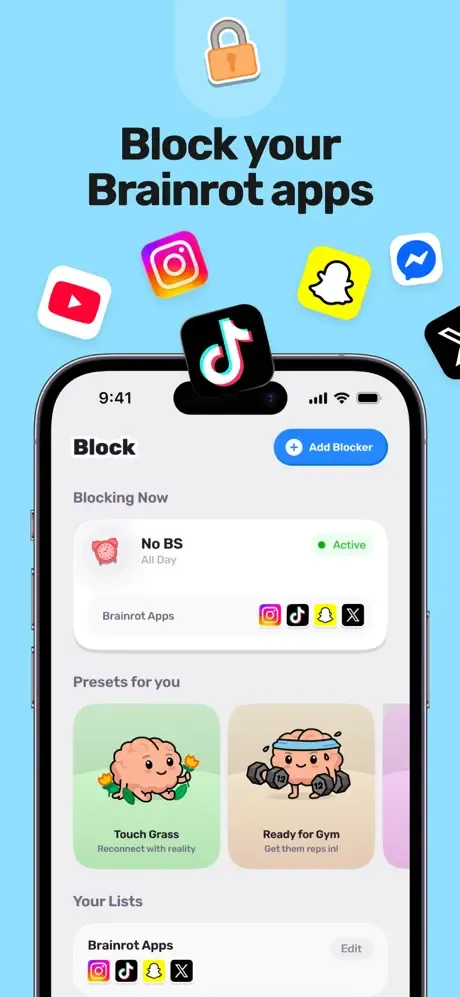
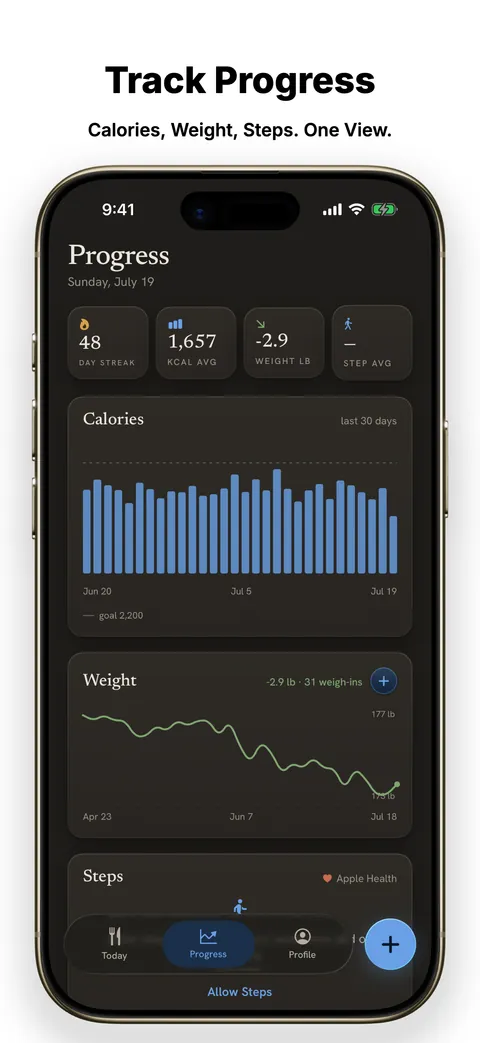
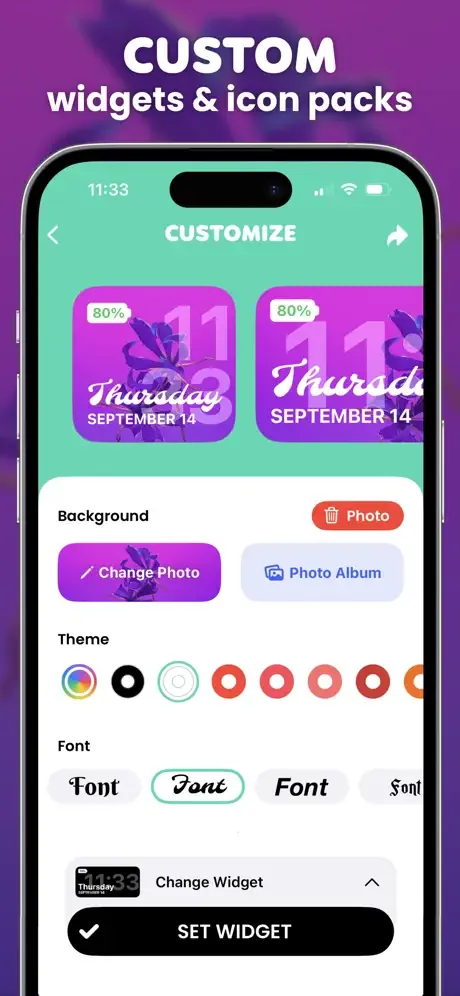
Pixel-perfect presets for every size
From raw capture to store-ready in minutes.
Drop in your captures
Upload raw screenshots straight from the simulator or your phone. Multiple at once.
Frame, background, headline
Pick a device, set a background, add a caption. Everything updates live — no guesswork.
Export every store size
Download store-ready PNGs, or a ZIP of every size at once, ready to upload.
The screenshot tool, minus the design suite.
Every device, exact store sizes
iPhone, iPad, Android, Mac and Watch — pixel-perfect presets for the App Store and Play Store, so nothing gets rejected.
Batch export to ZIP
Edit every screen at once and download a ready-to-upload ZIP.
Backgrounds, headlines & graphics
Solid colors, gradients and ready-made palettes. Captions with clean fonts and full type control. Drop-in arrows, stickers and shapes to point at what matters.
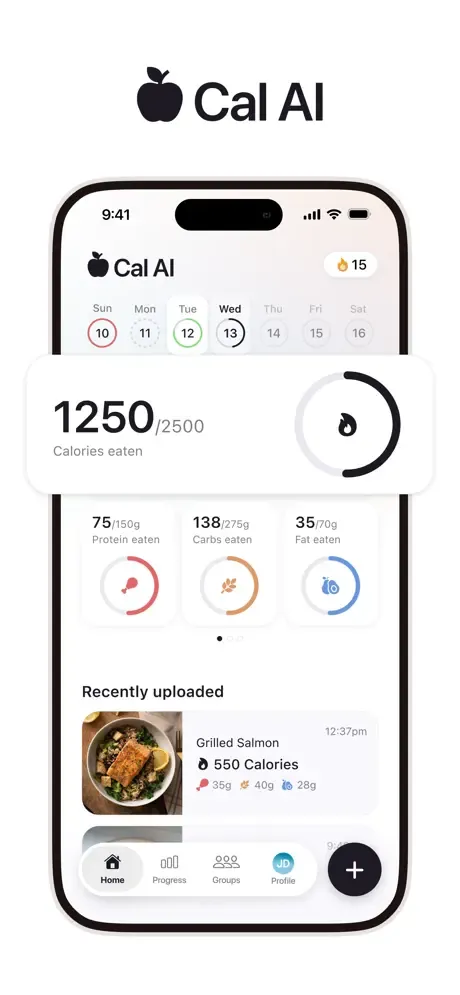
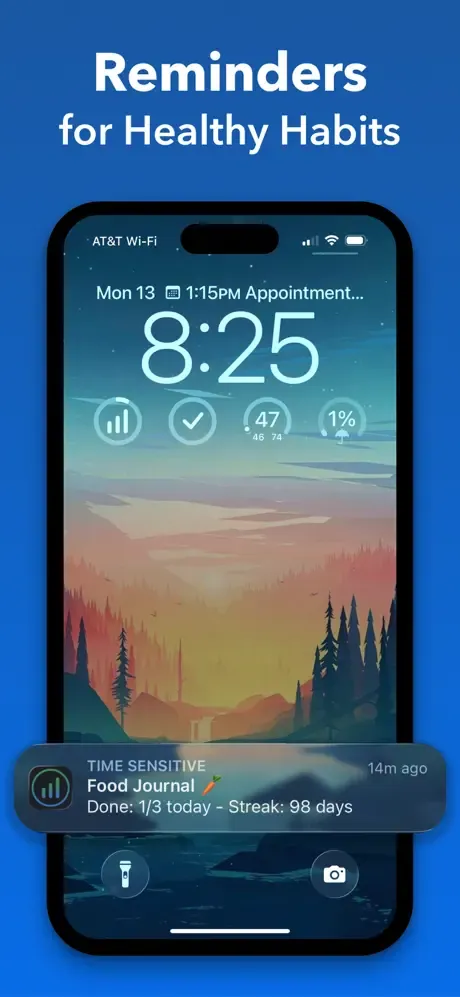
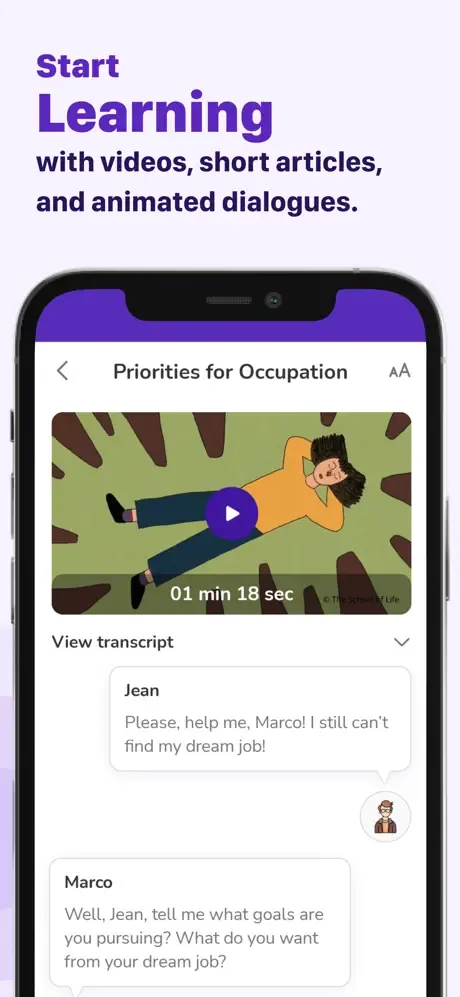
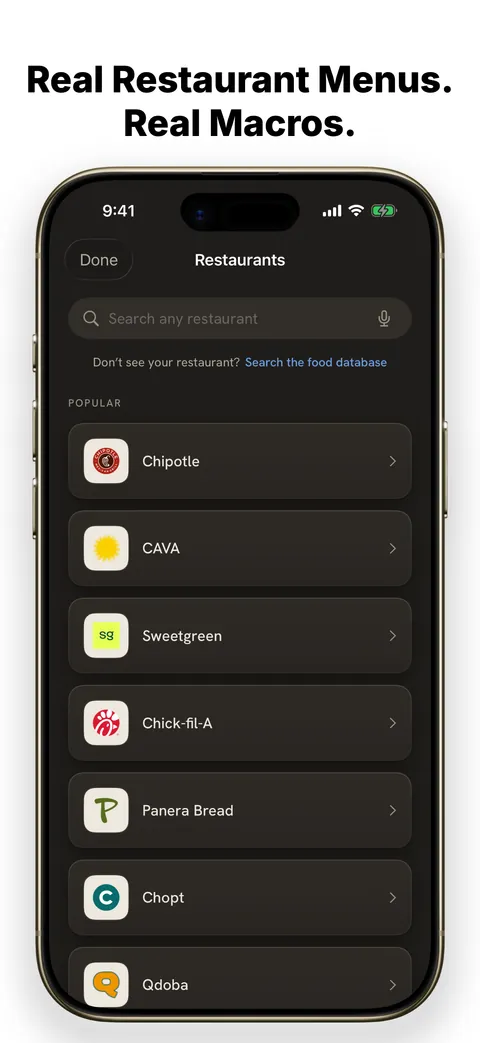
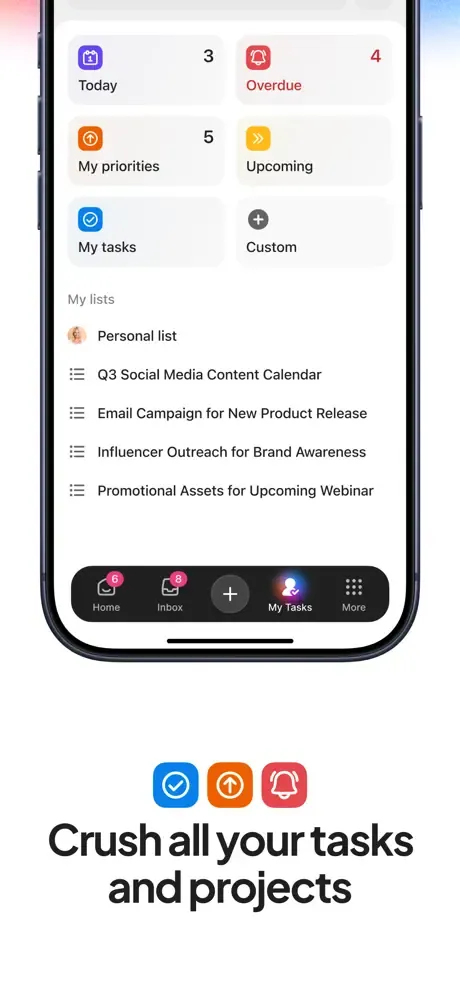
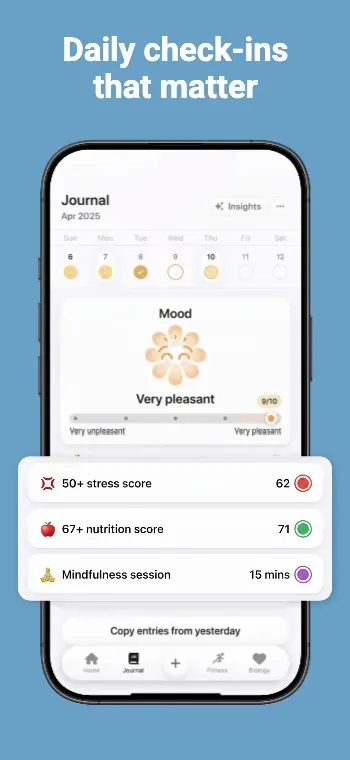
Screenshots that look like you hired a designer.
Headline, device frame, background, export. Every layout below is the kind of set you can put together in a few minutes, without opening a design suite.
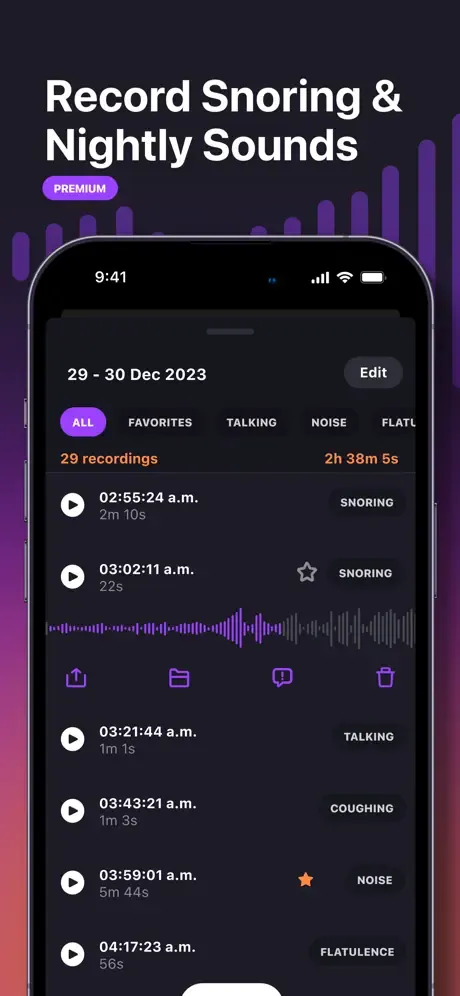
One price. No subscription.
Pay once. Yours forever. No renewals, no surprises.
- Every device & exact store size
- Backgrounds, gradients & headlines
- Drop-in graphics & annotations
- Batch export to ZIP
- Watermark-free exports
- Every future update, included
Build and preview for free; the $25 unlock removes the watermark and opens every export.
Questions, answered.
$25, once. A lifetime license, no subscription. Build and preview your screenshots for free; the one-time unlock removes the watermark and opens every export size.
No. QuickScreens runs in your browser and autosaves locally, so you can start the second the page loads. After you buy, your license key unlocks exports on any device.
iPhone, iPad, Mac, Apple Watch, and Android phones: Pixel and Galaxy frames, plus a brandless Uniframe. The iPhone 15 and Galaxy S24 Ultra also offer 3D quarter-turn views. Every export lands at the exact dimensions the App Store and Play Store expect, including Android tablet and feature-graphic sizes.
Yes. Edit every screen in a project, then download them together as a ZIP that’s ready to upload to the stores.
Free previews carry a light QuickScreens watermark so you can try everything first. The one-time $25 unlock removes it, and every export after that is 100% yours.
No. It’s a single $25 payment for lifetime access, including future updates. No recurring charges, ever.
Your next release deserves better screenshots.
Make your first one in about two minutes, right in your browser.